



Website — Chat online — Getting started — Blog — Changelog — Trello — License
## Getting started ### Installation We will use Docker to setup the project Pull the image from GitHub Packages ```bash $ docker pull docker.pkg.github.com/olivia-ai/olivia/olivia:latest ``` Then start it ```bash $ docker run -d -p 8080:8080 docker.pkg.github.com/olivia-ai/olivia/olivia:latest ``` You can just use the websocket of Olivia now. To stop it, get the container id: ```bash $ docker container ls ``` ```bash CONTAINER ID IMAGE COMMAND CREATED STATUS PORTS NAMES 311b3abb963a olivia "./main" 7 minutes ago Up 7 minutes 0.0.0.0:8080->8080/tcp quizzical_mayer ``` and stop it ```bash $ docker container stop 311b3abb963a ``` The app will automatically check for `res/training.json` file which contains the save of the neural network. By default when you clone the repository from Github you have a stable save. If you want to train a new model just delete this file and rerun the app. ## License [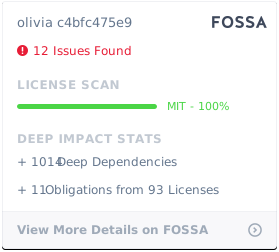](https://app.fossa.io/projects/git%2Bgithub.com%2Folivia-ai%2Folivia?ref=badge_large)

Made with ❤️ by Hugo Lageneste
