# floating-ball
**Repository Path**: powersky/floating-ball
## Basic Information
- **Project Name**: floating-ball
- **Description**: 一个angular 6+ 悬浮球,github项目 https://github.com/93Alliance/floating-ball
- **Primary Language**: TypeScript
- **License**: Not specified
- **Default Branch**: master
- **Homepage**: https://93alliance.github.io/floating-ball/floating-ball
- **GVP Project**: No
## Statistics
- **Stars**: 0
- **Forks**: 0
- **Created**: 2018-09-05
- **Last Updated**: 2024-11-23
## Categories & Tags
**Categories**: Uncategorized
**Tags**: None
## README
# ngx-float-ball
这是一个Angular的悬浮球控件。
- 支持触摸滑动
- 支持鼠标拖动
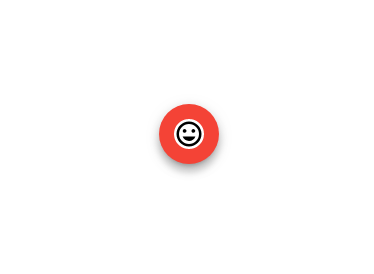
- 支持图标
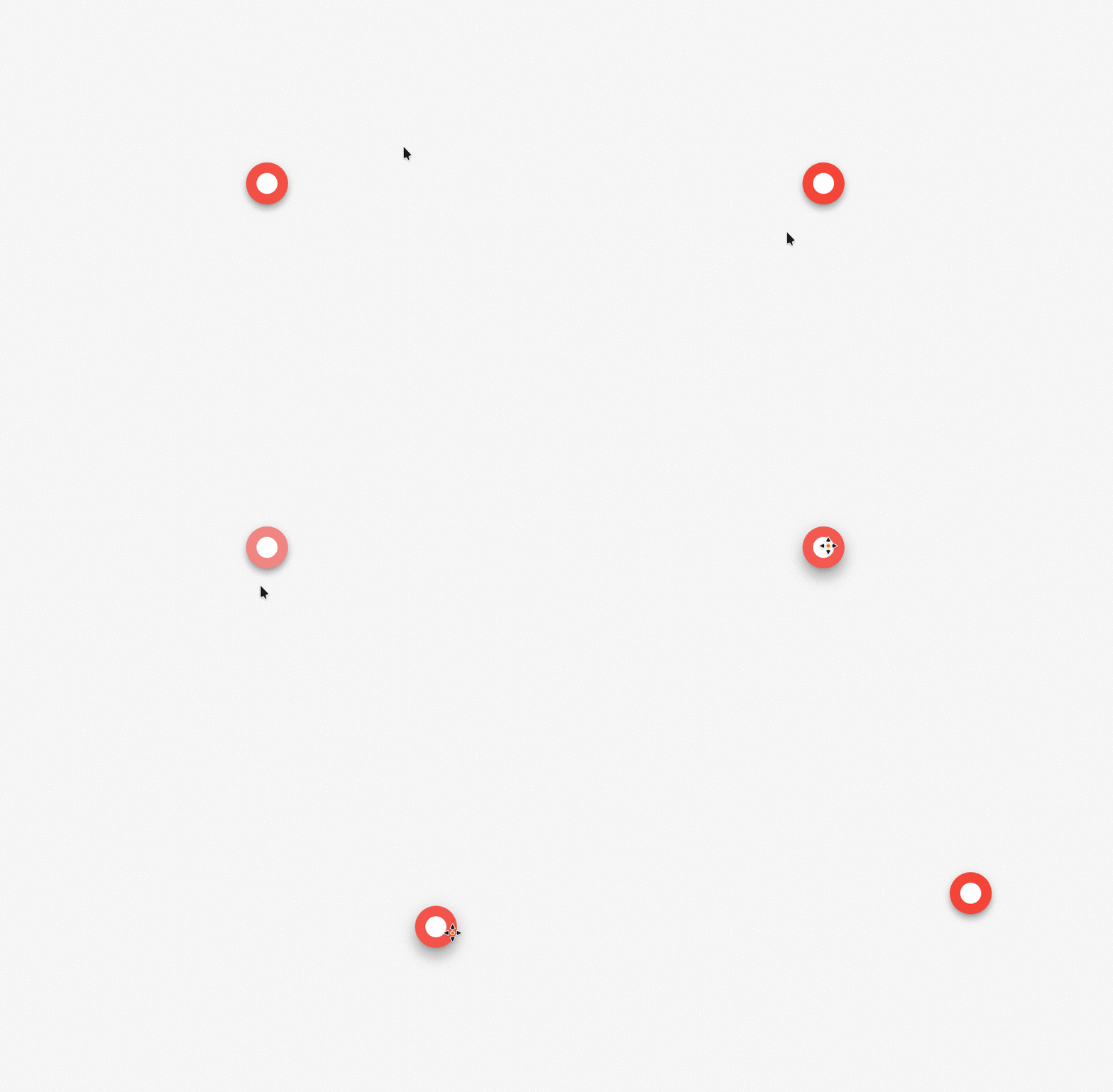
## 效果展示
## 参数说明
Parameter | Type | Default Value | Description
:---:|:---:|:---:|:---:
clicked | signal | N/A | 鼠标点击事件
outerCircleDiameter | number | 60 | 外圆的直径
innerCircleDiameter | number | 30 | 内圆的直径
delayTime | 400 | number | 鼠标移动延迟响应时间
isBlinked | boolean | true | 是否闪烁悬浮球
hasRipple | boolean | true | 是否有点击波纹效果
foreground | string | #ffffff | 前景色,默认为白色
background | string | #F44336 | 前景色,默认为红色
icon | string | null | 图标路径
iconDiameter | number | 30 | 图标的直径
initPos | number[] | [200, 200] | 悬浮球的初始化位置
touchOffset | number | 15 | 触摸移动误差15px
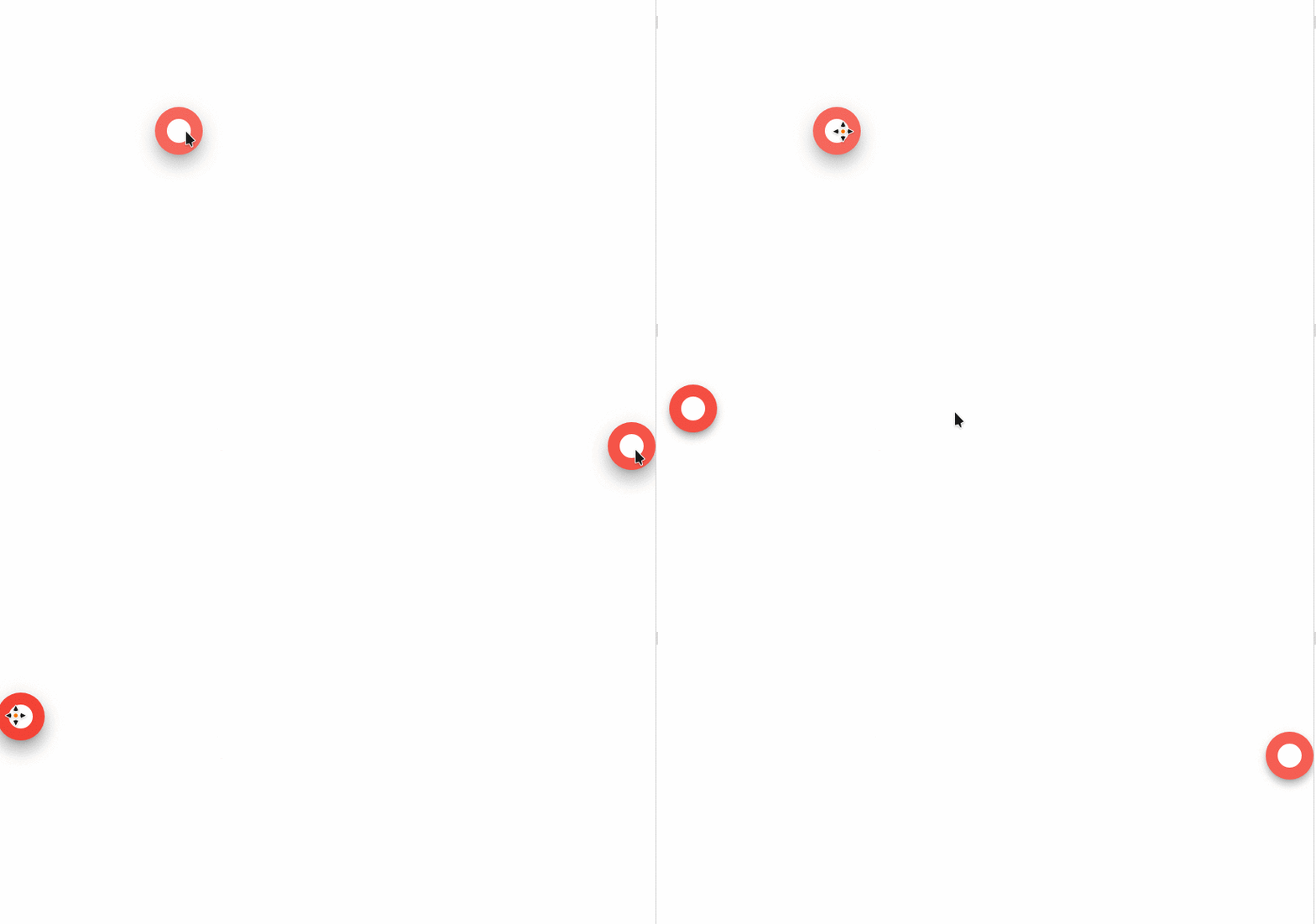
openInertia | boolean | true | 开启弹性双边吸附功能
## 安装
```
npm install ngx-float-ball --save
```
## 使用
1. 在app.module.ts内导入:
```
import { NgxFloatBallModule } from 'ngx-float-ball'
```
2. 在html内使用
```
```
3. 弹力吸附功能
```
```
## TODO
- [x] 增加背景色和前景色属性
- [x] 增加图标支持
- [x] 优化渲染
- [ ] 增加tap,点击,双击,长按
- [x] 触摸到窗口外边界, 造成悬浮球不见防呆
- [ ] 鼠标点击后动画消失,背景色更改至设定背景色
- [ ] 增加自定义嵌入元素
- [x] 增加弹力吸附
- [ ] 修复鼠标单击后快速移动到某一位置,达到延迟时间后,松开鼠标,悬浮球快速移动过去
- [x] 修复悬浮球未移动浏览器F12后,位置更换到[0,0]的错误
- [ ] 增加悬浮球scss样式重载
## License
- MIT