# pbui-main
**Repository Path**: mirrors_karrick/pbui-main
## Basic Information
- **Project Name**: pbui-main
- **Description**: The main repository for the PBUI project
- **Primary Language**: Unknown
- **License**: MIT
- **Default Branch**: master
- **Homepage**: None
- **GVP Project**: No
## Statistics
- **Stars**: 0
- **Forks**: 0
- **Created**: 2021-01-26
- **Last Updated**: 2026-03-21
## Categories & Tags
**Categories**: Uncategorized
**Tags**: None
## README

pbui-main
Like idlebin, but in zig





## What is the PBUI project?
The PBUI (POSIX-compliant BSD/Linux Userland Implementation) project is a a free and open source project intended
to implement some standard library toolsets in the Zig programming language. We will also implement some basic applets
and a shell to demonstrate usage of the toolsets as well as provide functionality.
Another goal of the PBUI project is to help improve documentation for Zig through our blog posts, some of which
will take the form of tutorials that explain how to use both our toolsets and other Zig functions when creating
applets. By doing this, we hope to make Zig more user friendly and encourage others to create Zig-based applications.
## Dependencies
Supported operating systems:
- Linux kernel >= `5.4.23` (Validated for Ubuntu)
- Zig `0.6.0`
How do I get Zig? Visit the [Zig download page](https://ziglang.org/download/), where you can find source code and
compiled binaries for your operating system. Zig is also available [
via various package managers](https://github.com/ziglang/zig/wiki/Install-Zig-from-a-Package-Manager).
## Installation
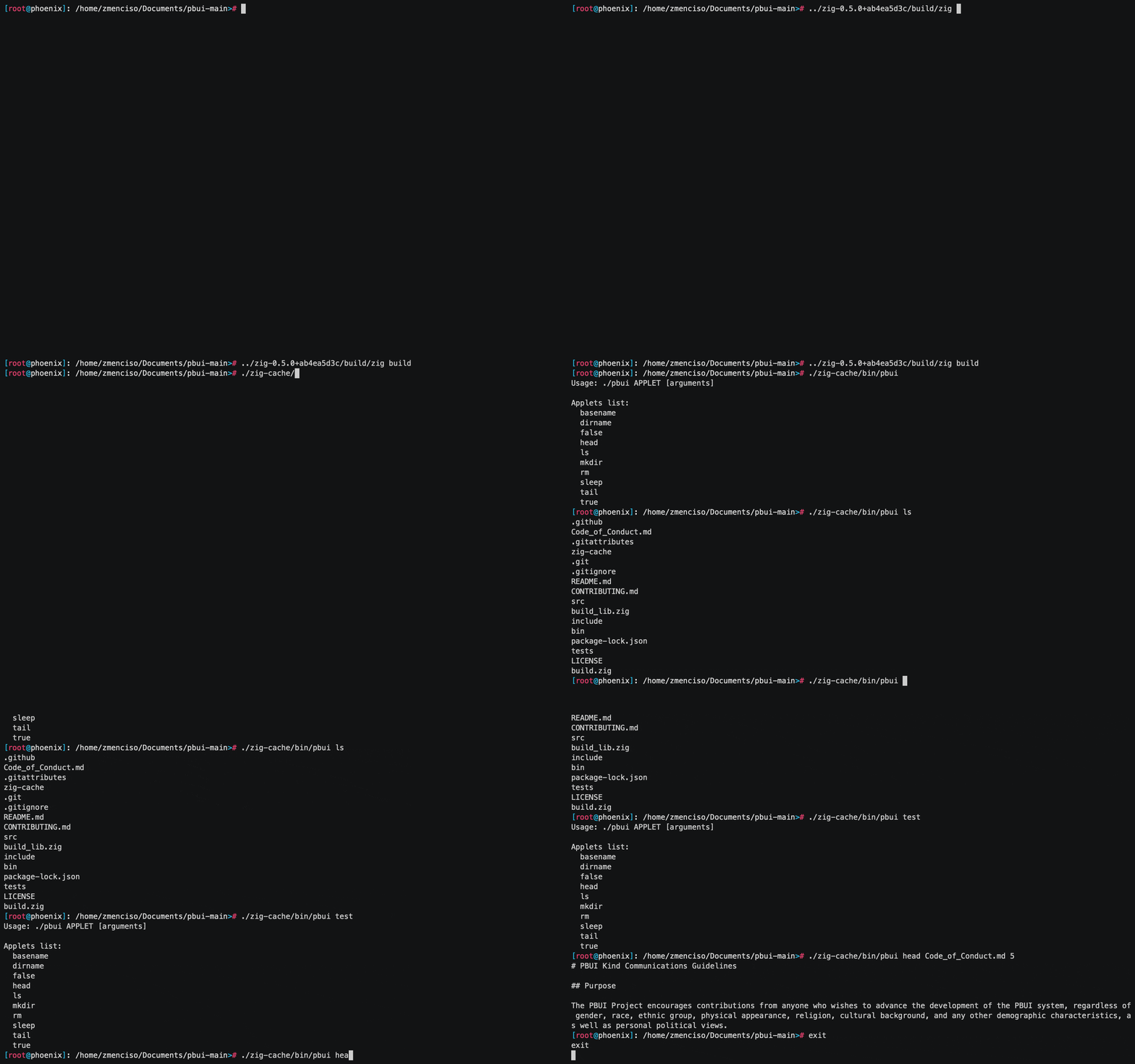
After cloning the repository, run `zig build`. The `pbui` executable will be located in `zig-cache/bin/pbui`.
## Usage
For a list of applets, run `./pbui` or `./pbui -h`. Currently supported applets include:
- `basename`
- `dirname`
- `false`
- `head`
- `ls`
- `main`
- `mkdir`
- `rm`
- `sleep`
- `tail`
- `true`
- `wc`
- `zigsay`
- `cat`
- `du`
- `uniq`
- `shuf`
- `sha1`
- `sort`
To run a given applet, use: `./pbui [APPLET] [arguments]`.
### Running applets individually
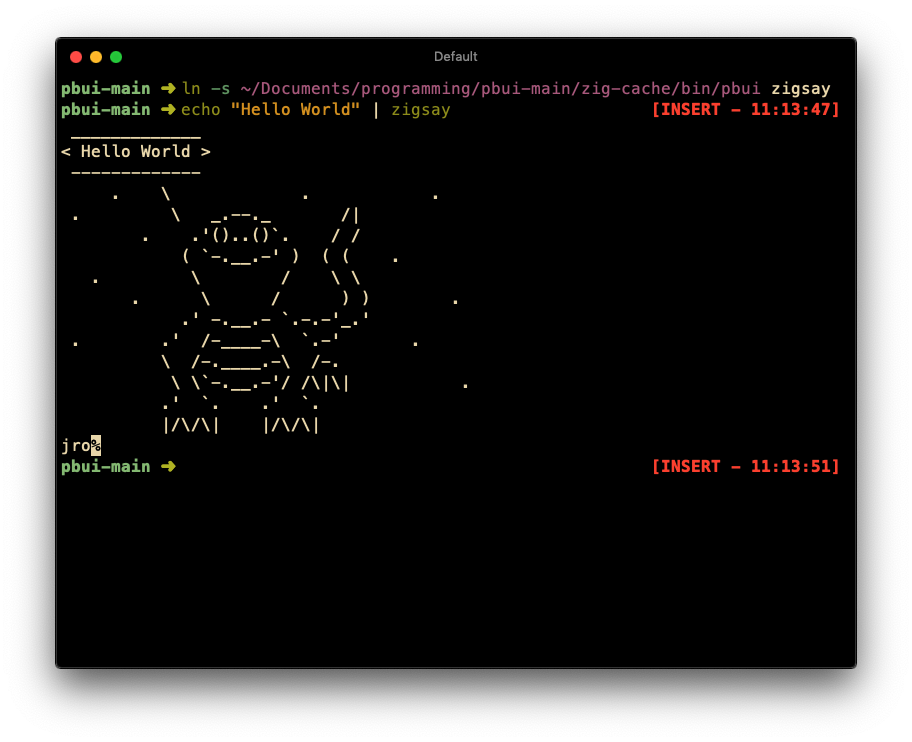
To run applets individually, you can use `ln -s path/to/repository/zig-cache/bin/pbui APPLET_NAME`.
Then, you can execute the symlink, removing the need to prefix with "./pbui". You can even replace your default shell's applets with ours if you want less functionality but more zig!
Here is an example: