# OnsenUI
**Repository Path**: linlut/OnsenUI
## Basic Information
- **Project Name**: OnsenUI
- **Description**: Mobile app development framework and SDK using HTML5 and JavaScript. Create beautiful and performant cross-platform mobile apps. Based on Web Components, and provides bindings for Angular 1, 2, React and Vue.js.
- **Primary Language**: JavaScript
- **License**: Apache-2.0
- **Default Branch**: master
- **Homepage**: None
- **GVP Project**: No
## Statistics
- **Stars**: 0
- **Forks**: 0
- **Created**: 2020-02-22
- **Last Updated**: 2024-05-31
## Categories & Tags
**Categories**: Uncategorized
**Tags**: None
## README








# [Onsen UI](https://onsen.io/) - Cross-Platform HTML5 Hybrid App Framework
Onsen UI is a library of UI components to help you create beautiful hybrid and mobile web apps for both Android and iOS using Javascript.
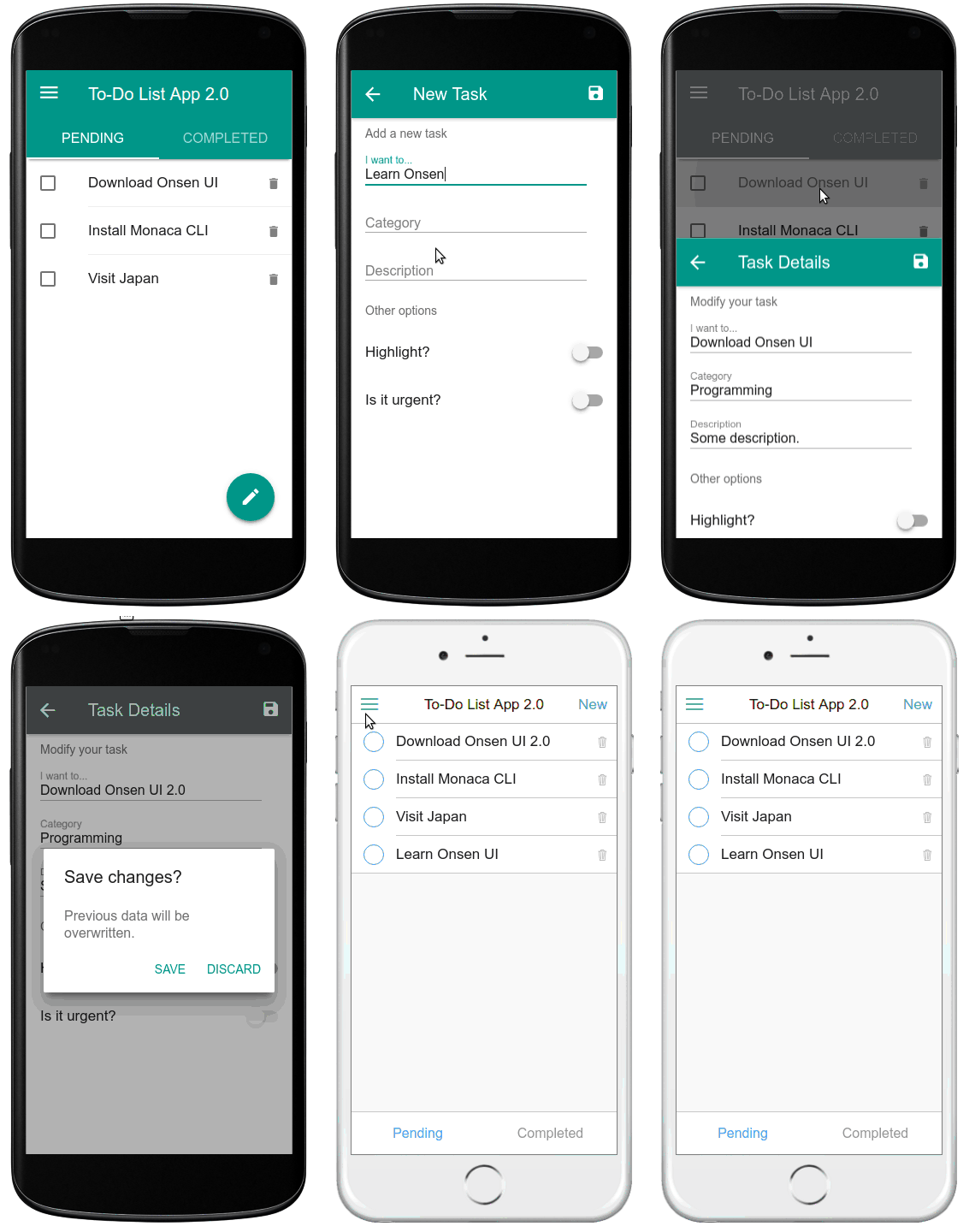
It is open source and designed to deliver native look and feel. Apps are made out of simple HTML tags, thus providing a gentle learning curve.
The core library is written in pure Javascript (on top of Web Components) and is framework agnostic, which means you can use it with your favorite framework and its tools. Currently, we provide some extra binding packages in order to __tailor Onsen UI's API__ for specific frameworks:
Some other frameworks are supported by __community__ packages (i.e. not tested or implemented by the core team): [Aurelia](https://www.npmjs.com/package/aurelia-onsenui), [EmberJS](https://www.npmjs.com/package/ember-onsenui).
Both iOS flat and Android's Material design are included. The components are optionally auto-styled based on the platform, which makes it possible to support both iOS and Android with the same source code.
## Getting started
We have several resources to help you get started creating hybrid apps with Onsen UI:
* __The official docs__: we provide guides and references for the [core library (vanilla JS or jQuery)](https://onsen.io/v2/docs/js.html) as well as the [Vue](https://onsen.io/v2/docs/guide/vue/index.html), [React](https://onsen.io/v2/docs/guide/react/index.html), [Angular2](https://onsen.io/v2/docs/guide/angular2/) and [AngularJS 1.x](https://onsen.io/v2/docs/guide/angular1/) components.
* __Components overview__: a [list of included CSS components](https://onsen.io/v2/docs/css.html) in both flat and Material Design. Note that these components are just pure and performant CSS without JavaScript behavior. Some extra details (such as dragging or ripple effect) are added by Onsen UI custom elements.
* __Playground__: an [interactive Onsen UI tutorial](https://tutorial.onsen.io/) is also available where you can learn how to use the library and play around with the components.
* __Blog__: there are lots of great tutorials and guides published in our [official Onsen UI blog](https://onsen.io/blog/categories/tutorial.html) and we are adding new content regularly.
* __Support__: if you are having trouble using some component the best place to get help is the [Onsen UI Forum](https://community.onsen.io/) or [Gitter chat](https://gitter.im/OnsenUI/OnsenUI). We are also available to answer short questions on Twitter at [@Onsen_UI](https://twitter.com/Onsen_UI).
## Onsen UI ecosystem
Because sometimes a UI framework may not be enough to make hybrid app development easily, Onsen UI comes with a __complete ecosystem__ of well integrated tools. Meet [__Monaca__](https://monaca.io/).

Developed by the same team, __Monaca Platform__ is a toolkit that makes hybrid mobile app development with __PhoneGap / Cordova__ simple and easy: Onsen UI Cordova-like templates, debugging suite, push notifications, remote build, back-end solutions, encryption, version control, continuous integration and more. Furthermore, it provides multiple development environments with everything already configured and ready to go:
Cloud IDE -
Command Line Interface -
Localkit GUI
Example with __CLI__:
```
$ [sudo] npm -g install monaca
$ monaca create helloworld # And choose the starter template
$ monaca preview # Preview on the browser
$ monaca debug # Preview on a real device
$ monaca remote-build # Production build on the cloud
```
See the [Onsen UI Getting Started Page](http://onsen.io/v2/guide/) for more information.
## Examples with source code
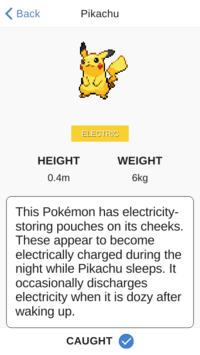
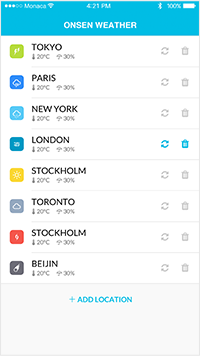
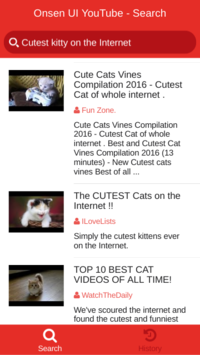
There are lots of sample applications written using Onsen UI. __[Here are some examples](https://onsen.io/samples) with source code and tutorials__ to give you an idea of what kind of apps you can create.
## Browser Support
Onsen UI is tested with the following browsers and mobile OS.
* Android 4.4.4+ (and Android 4.0+ with [Crosswalk engine](https://crosswalk-project.org/))
* iOS 8+
* Chrome
* Safari
## Get Onsen UI
* __Download the latest released version__
We have a [distribution repository](https://github.com/OnsenUI/OnsenUI-dist/releases) with changelog. Onsen UI is also available in __npm__, __bower__ and __jspm__. Example:
```bash
npm install onsenui
```
This downloads Onsen UI main library and AngularJS bindings. For other bindings, install also `react-onsenui`, `vue-onsenui` or `ngx-onsenui`.
* __Download or request from a CDN__
You can also take the necessary files from a CDN. Some of the options are [unpkg](https://unpkg.com/onsenui/), [jsDelivr](https://www.jsdelivr.com/package/npm/onsenui) and [cdnjs](https://cdnjs.com/libraries/onsen).
* __Get the latest development build__
Optionally, you can download the [latest development build here](https://onsenui.github.io/latest-build). Be careful, usually everything there is already tested but it might be unstable sometimes.
## Contribution
We welcome your contribution, no matter how big or small! Please have a look at the [contribution guide](https://github.com/OnsenUI/OnsenUI/blob/master/.github/CONTRIBUTING.md) for details about project structure, development environment, test suite, code style, etc. All the version updates are mentioned in the [changelog](https://github.com/OnsenUI/OnsenUI/blob/master/CHANGELOG.md). 


