# fntv-client-multiplatform
**Repository Path**: jankin_wu/fntv-client-multiplatform
## Basic Information
- **Project Name**: fntv-client-multiplatform
- **Description**: 基于 Compose Multiplatform 框架开发的跨平台飞牛影视客户端
- **Primary Language**: Kotlin
- **License**: AGPL-3.0
- **Default Branch**: master
- **Homepage**: None
- **GVP Project**: No
## Statistics
- **Stars**: 0
- **Forks**: 0
- **Created**: 2025-09-18
- **Last Updated**: 2025-12-21
## Categories & Tags
**Categories**: Uncategorized
**Tags**: None
## README
# fntv-client-multiplatform
[](https://github.com/FNOSP/fntv-client-multiplatform/stargazers)
[](https://github.com/FNOSP/fntv-client-multiplatform/network)
[](https://github.com/FNOSP/fntv-client-multiplatform/issues)
[](https://github.com/FNOSP/fntv-client-multiplatform/blob/master/LICENSE)
[](https://kotlinlang.org/)
[](https://www.jetbrains.com/compose-multiplatform/)
基于 Compose Multiplatform 框架开发的跨平台飞牛影视客户端
## 声明
**本项目为飞牛 OS 爱好者开发的第三方影视客户端,与飞牛影视官方无关。使用前请确保遵守相关服务条款。**
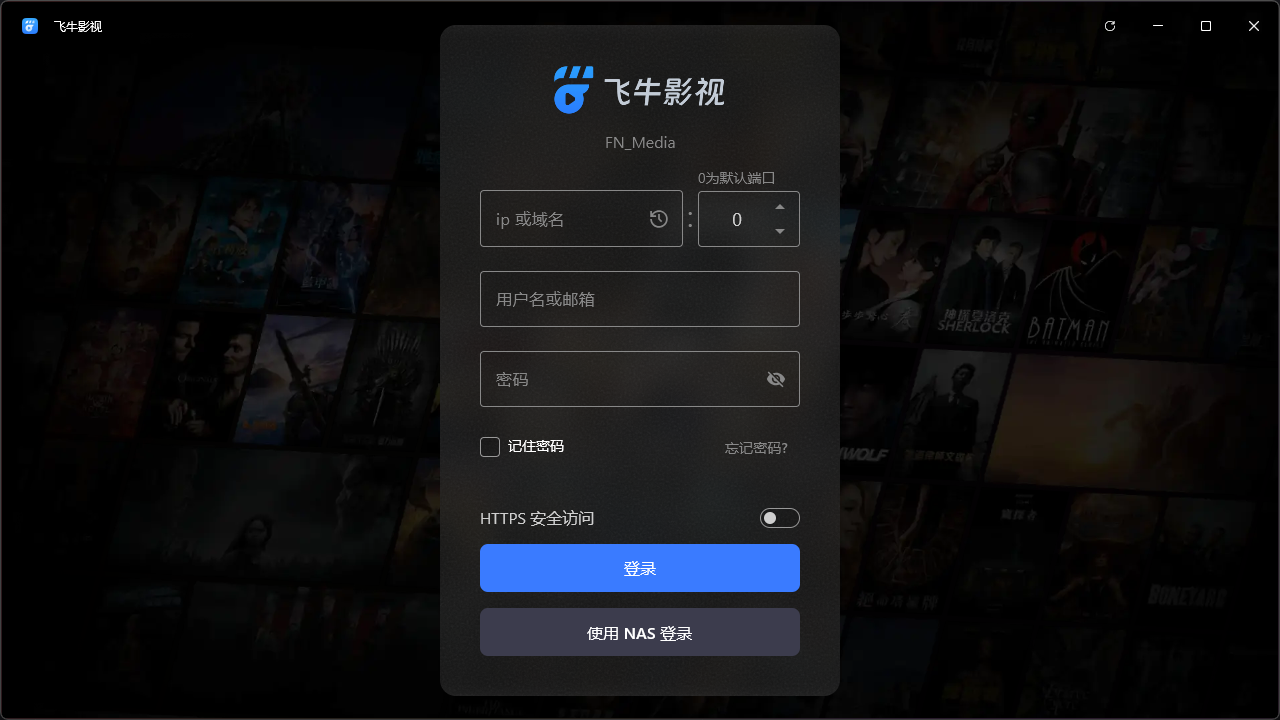
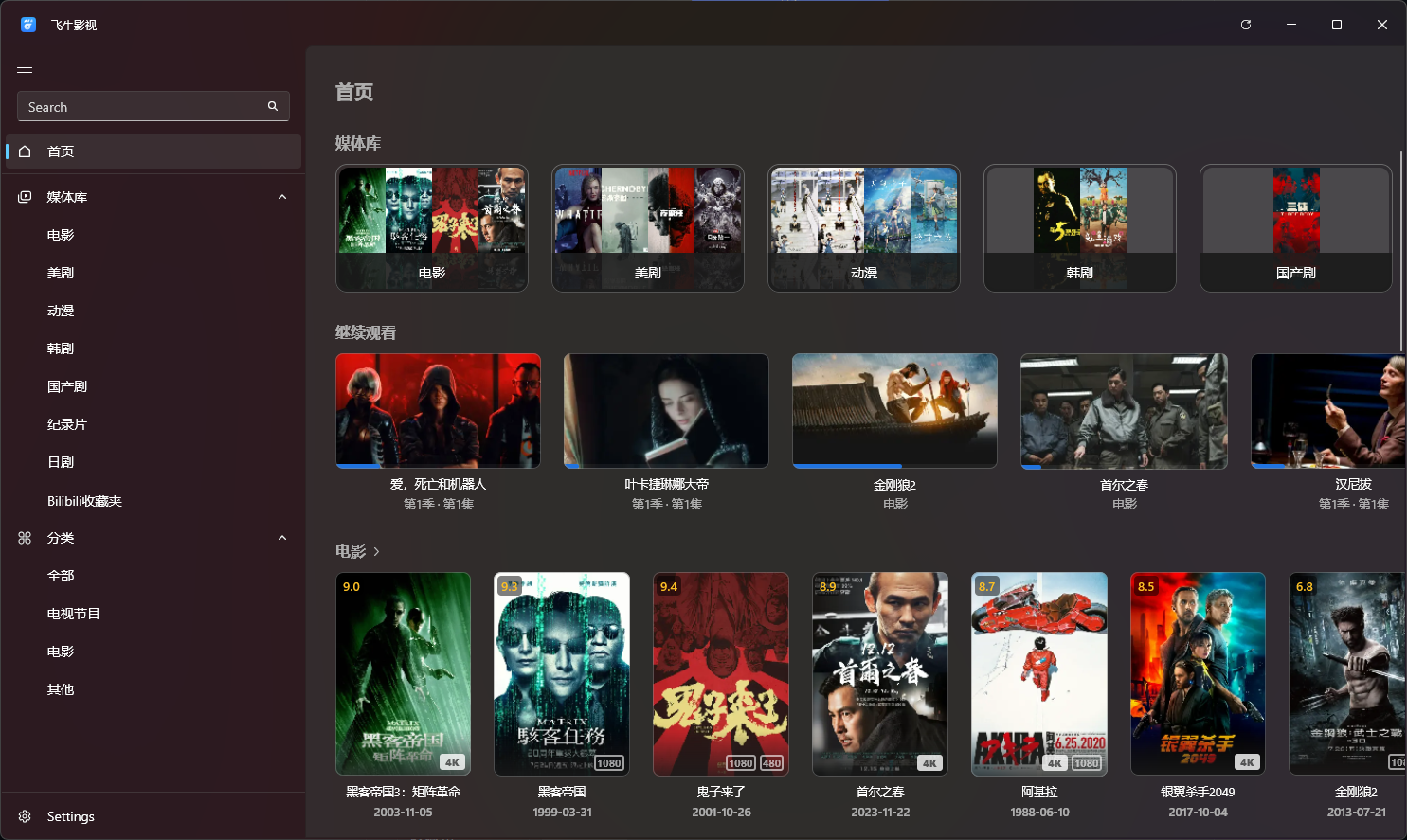
## 界面预览
> 最终效果以未来发布版本为准
## 使用说明
### 使用安装包安装
下载 [releases](https://github.com/FNOSP/fntv-client-multiplatform/releases) 中的安装包并安装
### 从项目构建
#### 准备环境
- 安装 [Android Studio](https://developer.android.com/studio) 或 [IntelliJ IDEA](https://www.jetbrains.com/idea/)
- JDK 17 或以上版本并配置环境变量
- 确保 `JAVA_HOME` 环境变量指向 JDK 安装目录
- 确保 `PATH` 环境变量包含 `%JAVA_HOME%\bin`
- 安装 [Golang](https://golang.org/dl/) 1.25.4 或以上版本并配置环境变量
- 确保 `GOPATH` 环境变量指向 Go 工作目录
- 确保 `PATH` 环境变量包含 `%GOPATH%\bin`
#### 运行桌面端
- 克隆项目到本地:
```bash
git clone https://github.com/FNOSP/fntv-client-multiplatform.git
```
- 打开项目:
- 使用 Android Studio 或 IntelliJ IDEA 打开项目
- 或者,使用命令行导航到项目目录
- 运行项目:
- 在 Android Studio 或 IntelliJ IDEA 中,在 Gradle Tasks 中找到 `compose desktop` -> `run` 任务,双击运行
- 或者,使用命令行运行:
Linux 或 macOS
```bash
# 给脚本加上可执行权限
chmod +x gradlew
# 运行项目
./gradlew :composeApp:run
```
Windows
```shell
.\gradlew.bat :composeApp:run
```
#### 打包为可执行文件
- 打包桌面端项目:
- 在 Android Studio 或 IntelliJ IDEA 中,在 Gradle Tasks 中找到 `compose desktop` -> `packageReleaseDistributionForCurrentOS` 或者带当前系统支持的安装包格式的 `packageRelease` 任务,双击运行
- 或者,使用命令行运行:
```shell
# Linux 或 MacOS 端需要给脚本增加可执行权限
chmod +x gradlew
```
Ubuntu 或 Debian
```bash
./gradlew :composeApp:packageReleaseDeb
```
Fedora 或 CentOS
```shell
./gradlew :composeApp:packageReleaseRpm
```
Arch Linux
```shell
./gradlew :composeApp:packageReleasePkg
```
Windows
```shell
.\gradlew.bat :composeApp:packageReleaseExe
```
- 打包完成后,可在 `composeApp\build\compose\binaries\main-release` 目录下找到可执行文件
## 常见问题
#### 1. 此客户端播放视频是否支持硬解?
支持使用 GPU 硬解,但是因为框架渲染机制,硬解后的视频会被转为 RGBA 色彩模式,通过 CPU 将画面渲染到窗口,此时高动态范围视频会产生色调映射错误的问题,造成画面色彩显示异常。所以对于 HDR、HLG 以及 Dolby Vision 格式的视频,目前会强制 NAS 映射为 SDR 后输出,对于硬件性能不足的 NAS 可能无法流畅播放。未来的目标是尽可能实现显卡硬解后直接渲染到窗口。
#### 2. 此客户端是否支持使用 FN Connect 域名登录?
目前暂时不支持,只支持使用 ip 或自己的域名登录,后面会支持使用 FN Connect 登录。
#### 3. 此客户端是否支持使用飞牛 OS 中的自签证书进行 HTTPS 连接?
目前不支持。
## 开发进度
### 桌面端
| 功能 | 进度 |
|------------|-------------------------------------------|
| 登录页 |  |
| 首页 |  |
| 收藏页 |  |
| 媒体库页 |  |
| 媒体详情页 |  |
| 播放器 |  |
| 通用设置 |  |
| 媒体库管理 |  |
| 影视服务器设置 |  |
| 用户设置 |  |
| 任务计划 |  |
| 搜索 |  |
| 弹幕 |  |
| 版本更新 |  |
| 集成 mpv 播放器 |  |
| 文件夹视图 |  |
## 🙏 特别感谢
本项目使用或参考以下开源项目:
- [Fluent Design UI ](https://github.com/compose-fluent/compose-fluent-ui) - 适用于 Compose Multiplatform 的 UI 框架
- [MediaMP](https://github.com/open-ani/mediamp) - 适用于 Compose Multiplatform 的音视频播放器
- [Animeko](https://github.com/open-ani/animeko) - 集找番、追番、看番的一站式弹幕追番平台
- [Coil](https://github.com/coil-kt/coil) - 适用于 Compose Multiplatform 的图片加载器
- [Koin](https://github.com/InsertKoinIO/koin) - 适用于 Kotlin Multiplatform 的实用轻量级依赖注入框架
- [Ktor](https://github.com/ktorio/ktor) - 使用 Kotlin 编写的 web 服务异步框架
- [Kermit](https://github.com/touchlab/Kermit) - 适用于 Kotlin Multiplatform 的日志记录工具
- [jSystemThemeDetector](https://github.com/open-ani/jSystemThemeDetector) - 用于检测(桌面)操作系统是否使用深色 UI 主题的 Java 库
- [fntv-electron](https://github.com/QiaoKes/fntv-electron) - 飞牛影视PC版 electron 封装
- [fnos-tv](https://github.com/thshu/fnos-tv) - 基于飞牛影视接口开发的网页端
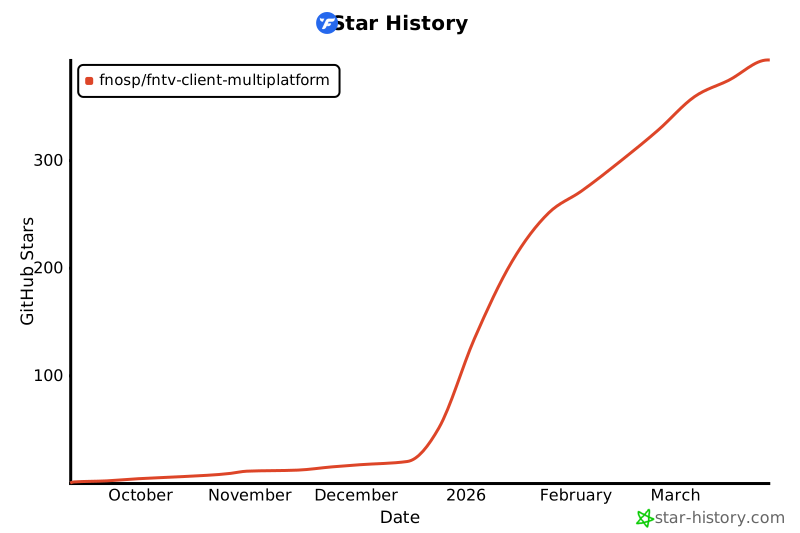
## 🌟 Star History