# FolioReaderKit
**Repository Path**: 811528603/FolioReaderKit
## Basic Information
- **Project Name**: FolioReaderKit
- **Description**: 电子书解析器
- **Primary Language**: Unknown
- **License**: BSD-3-Clause
- **Default Branch**: master
- **Homepage**: None
- **GVP Project**: No
## Statistics
- **Stars**: 0
- **Forks**: 1
- **Created**: 2020-04-02
- **Last Updated**: 2020-12-19
## Categories & Tags
**Categories**: Uncategorized
**Tags**: None
## README

FolioReaderKit is an ePub reader and parser framework for iOS written in Swift.


## Features
- [x] ePub 2 and ePub 3 support
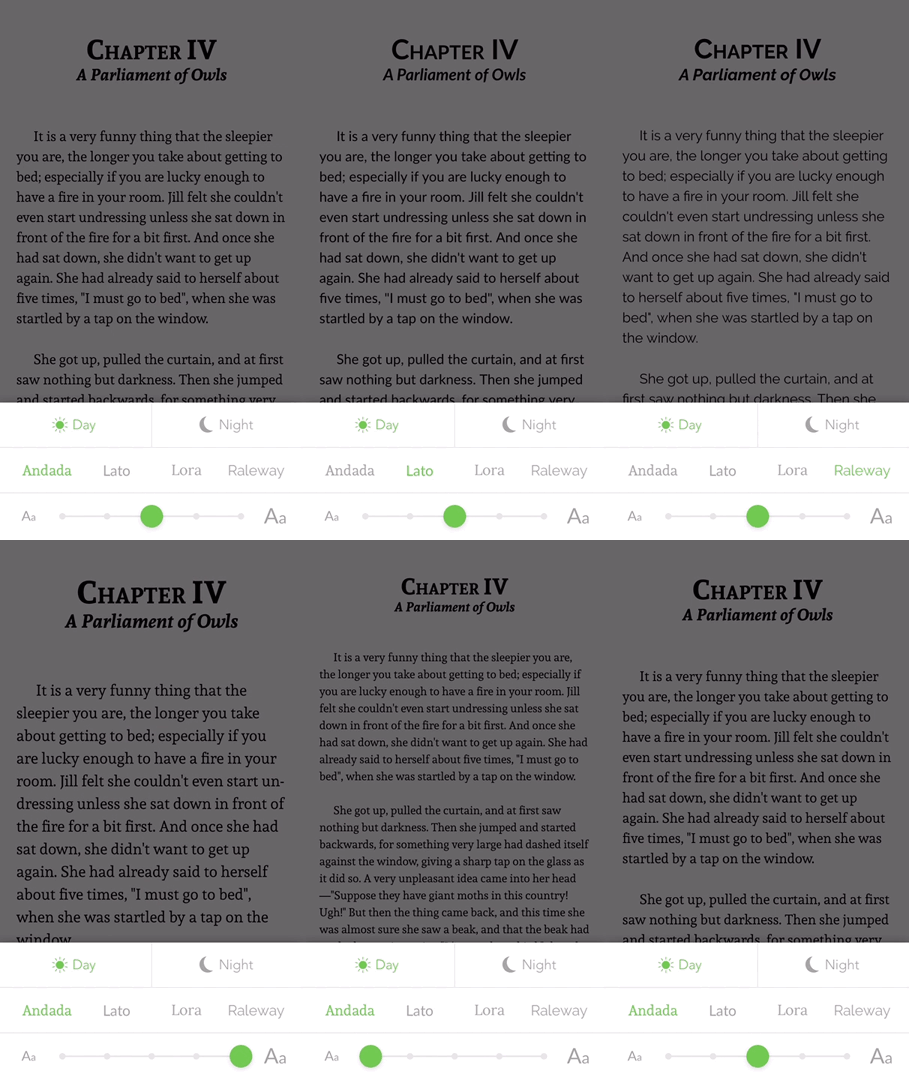
- [x] Custom Fonts
- [x] Custom Text Size
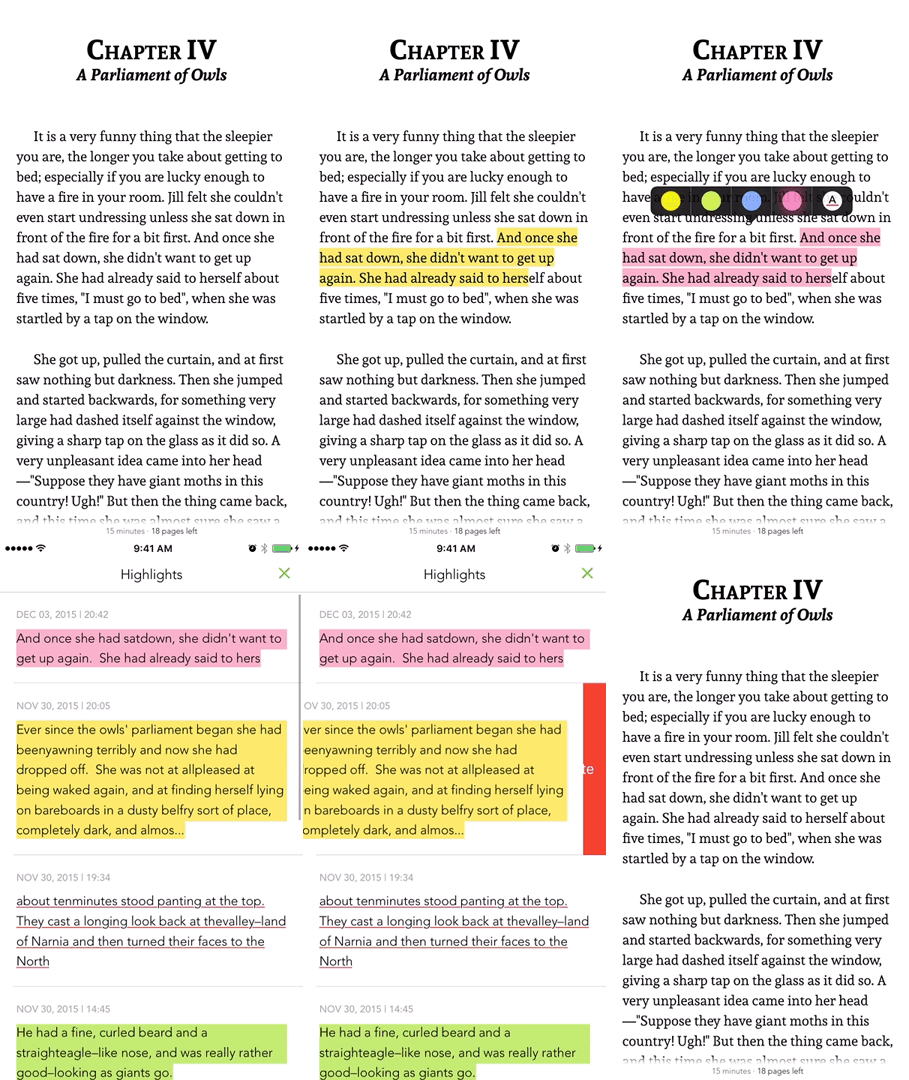
- [x] Text Highlighting
- [x] List / Edit / Delete Highlights
- [x] Themes / Day mode / Night mode
- [x] Handle Internal and External Links
- [x] Portrait / Landscape
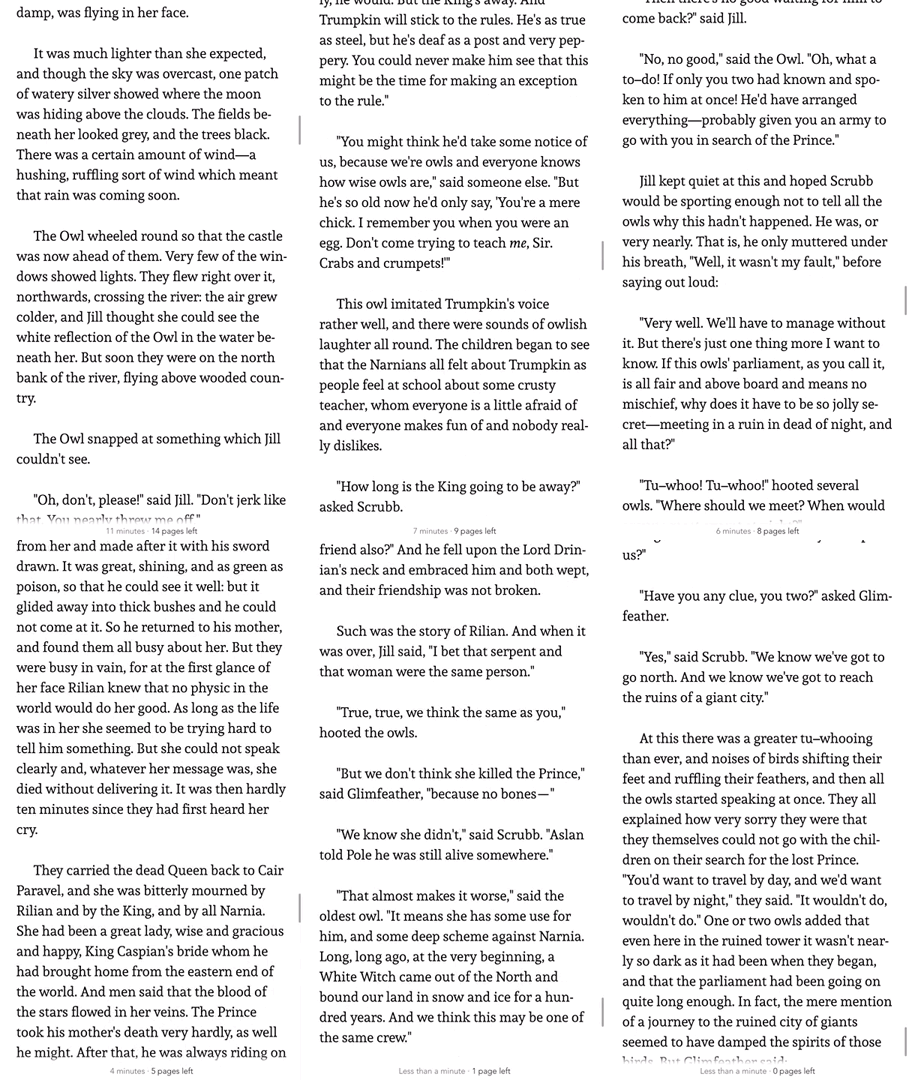
- [x] Reading Time Left / Pages left
- [x] In-App Dictionary
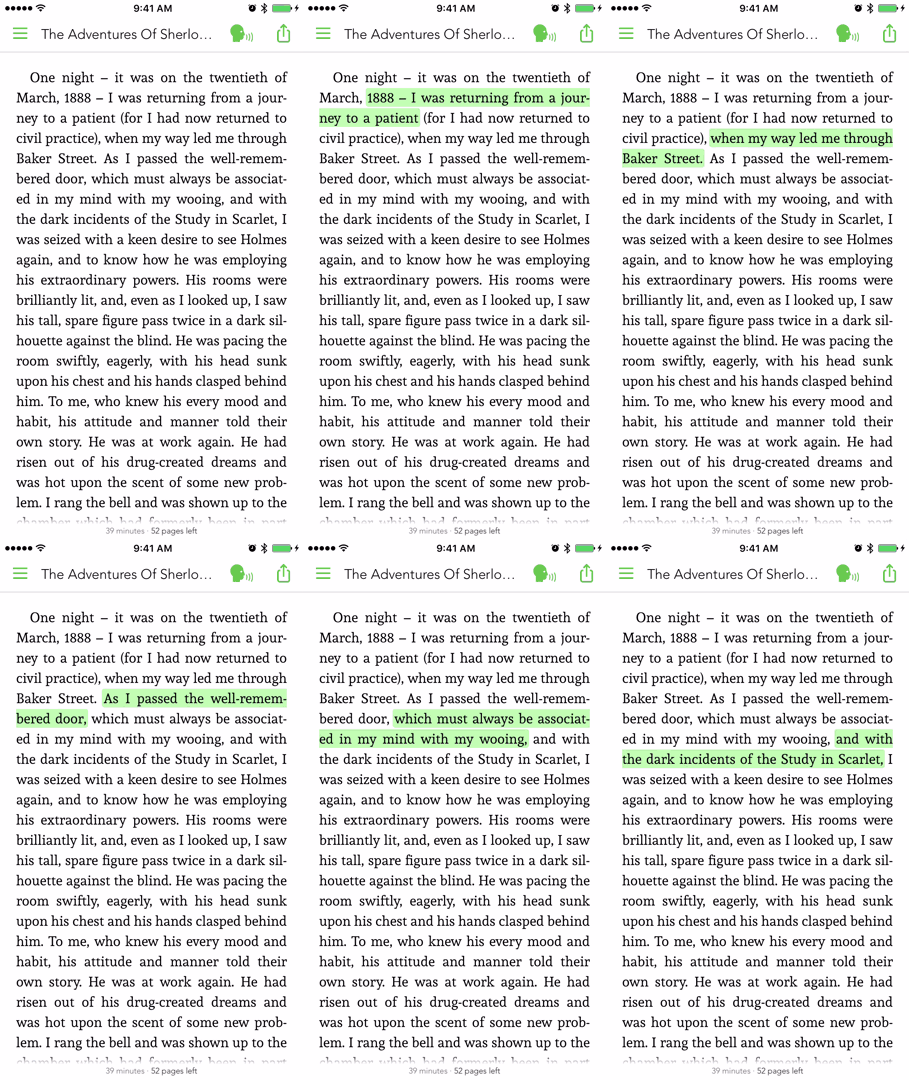
- [x] Media Overlays (Sync text rendering with audio playback)
- [x] TTS - Text to Speech Support
- [x] Parse epub cover image
- [x] RTL Support
- [x] Vertical or/and Horizontal scrolling
- [x] Share Custom Image Quotes **NEW**
- [x] Support multiple instances at same time, like parallel reading **NEW**
- [ ] Book Search
- [ ] Add Notes to a Highlight
## Who is using it?
On [AppSight](https://www.appsight.io/sdk/folio-reader-kit) you can see apps that are using it in production.
## Demo
**Custom Fonts :smirk:** | **Text Highlighting :heart_eyes:**
:-------------------------:|:-------------------------:
 | 
**Reading Time Left :open_mouth:** | **Media Overlays 😭**
:-------------------------:|:-------------------------:
 | 
## Installation
**FolioReaderKit** is available through [CocoaPods](http://cocoapods.org) and [Carthage](https://github.com/Carthage/Carthage).
### Cocoapods
[CocoaPods](http://cocoapods.org) is a dependency manager for Cocoa projects. You can install it with the following command:
```bash
$ gem install cocoapods
```
To integrate FolioReaderKit into your Xcode project using CocoaPods, specify it in your `Podfile`:
```ruby
source 'https://github.com/CocoaPods/Specs.git'
platform :ios, '9.0'
use_frameworks!
target '' do
pod 'FolioReaderKit'
end
```
Then, run the following command:
```bash
$ pod install
```
Alternatively to give it a test run, run the command:
```bash
$ pod try FolioReaderKit
```
### Carthage
Add the following to your [Cartfile](https://github.com/Carthage/Carthage/blob/master/Documentation/Artifacts.md#cartfile)
```ruby
github "FolioReader/FolioReaderKit"
```
Run the following command:
```bash
$ carthage update --platform iOS --no-use-binaries
```
Then, follow the steps as described in Carthage's [README](https://github.com/Carthage/Carthage#adding-frameworks-to-an-application).
## Requirements
- iOS 9.0+
- Xcode 10.1+
## Basic Usage
To get started, this is a simple usage sample of using the integrated view controller.
```swift
import FolioReaderKit
func open(sender: AnyObject) {
let config = FolioReaderConfig()
let bookPath = Bundle.main.path(forResource: "book", ofType: "epub")
let folioReader = FolioReader()
folioReader.presentReader(parentViewController: self, withEpubPath: bookPath!, andConfig: config)
}
```
For more usage examples check the [Example](/Example) folder.
## Storyboard
To get started, here is a simple example how to use the integrated view controller with storyboards.
```swift
import FolioReaderKit
class StoryboardFolioReaderContrainer: FolioReaderContainer {
required init?(coder aDecoder: NSCoder) {
super.init(coder: aDecoder)
let config = FolioReaderConfig()
config.scrollDirection = .horizontalWithVerticalContent
guard let bookPath = Bundle.main.path(forResource: "The Silver Chair", ofType: "epub") else { return }
setupConfig(config, epubPath: bookPath)
}
}
```
Go to your storyboard file, choose or create the view controller that should present the epub reader. In the identity inspector set StoryboardFolioReaderContrainer as class.
## Documentation
Checkout [Example](/Example) and [API Documentation](https://folioReader.github.io/FolioReaderKit/)
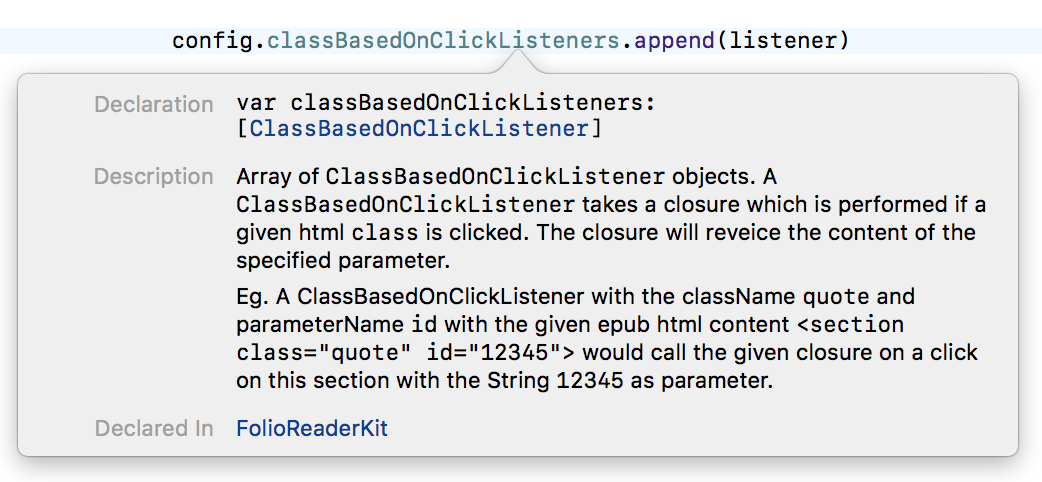
You can always use the header-doc. (use **alt+click** in Xcode)
 ### Migration
If you are migrating to a newer version check out [MIGRATION](/MIGRATION.md) and [CHANGELOG](/CHANGELOG.md).
## Author
[**Heberti Almeida**](https://github.com/hebertialmeida)
- Follow me on **Twitter**: [**@hebertialmeida**](https://twitter.com/hebertialmeida)
- Contact me on **LinkedIn**: [**hebertialmeida**](http://linkedin.com/in/hebertialmeida)
## License
FolioReaderKit is available under the BSD license. See the [LICENSE](/LICENSE) file.
### Migration
If you are migrating to a newer version check out [MIGRATION](/MIGRATION.md) and [CHANGELOG](/CHANGELOG.md).
## Author
[**Heberti Almeida**](https://github.com/hebertialmeida)
- Follow me on **Twitter**: [**@hebertialmeida**](https://twitter.com/hebertialmeida)
- Contact me on **LinkedIn**: [**hebertialmeida**](http://linkedin.com/in/hebertialmeida)
## License
FolioReaderKit is available under the BSD license. See the [LICENSE](/LICENSE) file.